Share access, without the risk.
Every project needs logins: hosting, WordPress, Moodle, your domain, sometimes email or API keys. Secure share is how our clients send them: encrypted on their own device, opened only by our studio.
A password in an email stays there.
Logins sent by email, chat or a shared document sit in inboxes, backups and phones for years, readable by anyone who gets into any one of them. Secure share keeps them out of all of those places.
- Email and chat keep copiesEvery inbox, device and backup the message reaches keeps a readable copy of the password.
- Screens and screenshots leakPasswords in a document or a screenshot get forwarded, synced and shared further than intended.
- Secure share is unreadable in transitWhat you send is encrypted before it leaves your device, and only our studio key can open it.
Encrypted before it leaves your device.
- 01You get a personal linkWe send you a link made for your project. It shows your company name and works until the date it shows.
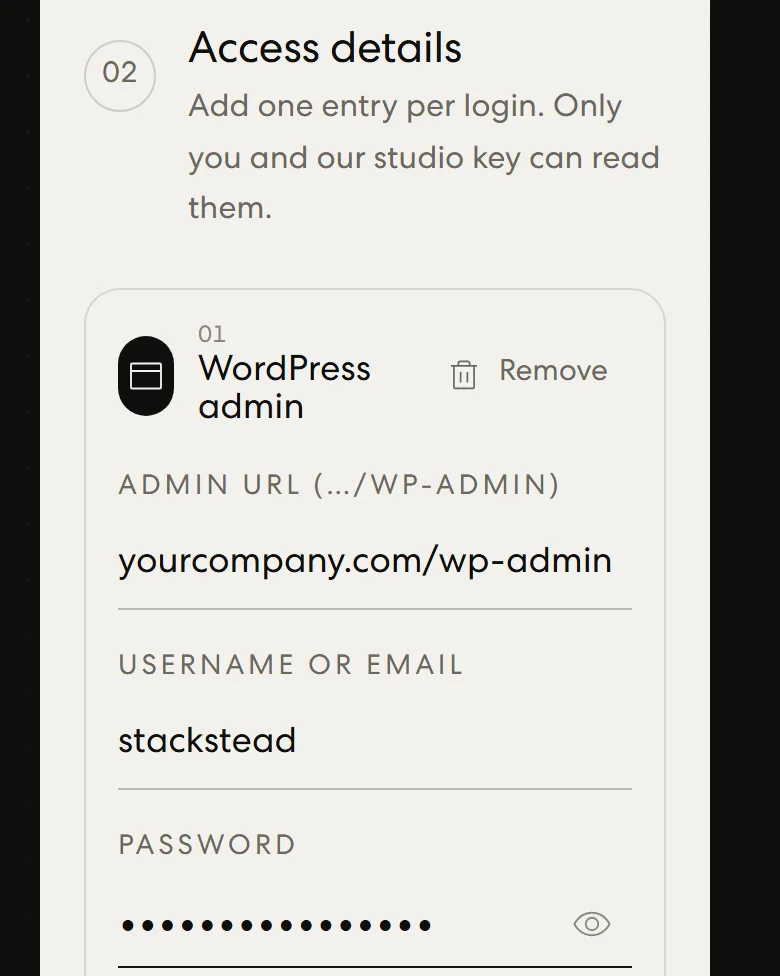
- 02You add your accessOne entry per login, with the right fields for each: hosting, server, database, WordPress, Moodle, domain, email or API key. Files like SSH keys can go too.
- 03Your browser encrypts itBefore anything is sent, your browser locks it with our public key (AES-256-GCM, with a one-time key agreed by ECDH P-384).
- 04Only our studio can open itOur website forwards the locked file without being able to read it. We open it offline with our studio key, then confirm with a reference you saw on screen.
Everything a project needs.
- Hosting / cPanel
- Server / SSH / SFTP
- Database
- WordPress admin
- Moodle admin
- Domain / DNS
- Email account
- Cloud / API key
- Something else
Email and chat, or Secure share.
| Email or chat | Secure share | |
|---|---|---|
| Readable copy left in inboxes and devices | Yes | No |
| Encrypted before it leaves your device | No | Yes |
| Readable by the service that carries it | Yes | No |
| Tampering detected | No | Yes |
| Link expires | No | Yes |
| Reference to confirm what arrived | No | Yes |
Safer still.
- 01Create a separate login for us instead of sharing your own, so you can remove it when the work is done.
- 02Use team or delegate access where your host, registrar or email provider offers it.
- 03Keep 2-step verification on. Tell us in the notes and we arrange the codes with you.
- 04When the project is finished, change the passwords you shared or remove our access.
About Secure share.
No. Your browser encrypts everything before it is sent, and the website has no key to decrypt it. It only forwards the locked file to our studio, where we open it offline with our studio key.
Ask us when we start working together, or send a brief and mention it. We create a personal link for your project; it shows your company name and an expiry date.
Hosting and cPanel logins, server and SSH access, databases, WordPress and Moodle admin accounts, domain and DNS accounts, email accounts, and cloud or API keys. You can also attach small files, such as SSH keys or .env files (up to 5 files, 2 MB in total).
No. It works in any current version of Chrome, Edge, Safari or Firefox, on a computer or a phone. There is no account to create.
Change the passwords you shared, or remove the account you created for us. If you gave us a separate login, deleting it is all it takes.